
Edit your website without a developer
Connect the site you already have — WordPress, Shopify or static — and change it by typing in plain English. A second AI reviews every edit; nothing goes live until you click Publish.Free to connect & see what to fix · No card · Editing plans from $20/month
Don't have a website yet? Build one from scratch by chatting →
Made for sites like these
The problem with small website changes
Most business owners are stuck between two bad options when the site needs a tweak. Option one: email the developer or agency that built it, wait three days, and get a $150 invoice for fifteen minutes of work. Option two: open the page builder yourself, get lost, and risk breaking the layout. Neither is good when all you wanted was to update your hours, fix a typo, or add an event.
How SiteCTRL works
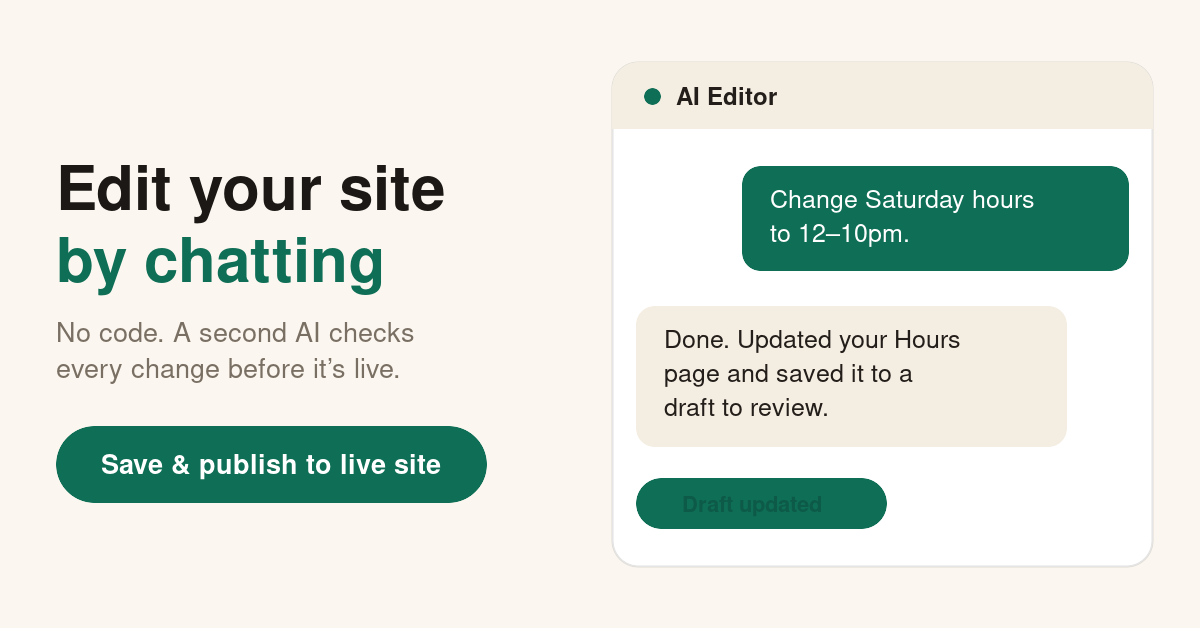
You connect your existing site once — WordPress on any host, a Shopify store, a Cloudflare Pages or static site. Then you type what you want, the way you'd text the person who normally does it:"change Saturday hours to 12–10pm," "add a testimonials section under the hero," "swap the homepage photo for the one I just uploaded." The AI editor makes the change on a private draft. A second AI agent reviews it for broken links, missing tracking, SEO regressions and brand consistency. You look at the draft, and the real site only updates when you click Publish.
Nothing breaks without you seeing it first
The thing people worry about — "what if the AI wrecks my site?" — is the thing the review step exists to prevent. Changes never hit your live site directly. A full snapshot is taken before every publish, so a single click rolls back to exactly what was there before. Your SEO, your analytics, your designer's work: protected by default.
What it costs
$20/monthto edit the site you already have on your existing host — managed hosting is included if you'd rather we host it. Compare that to a single agency invoice for one small change.
FAQ
How do I edit my website if I don't have a developer?
Connect your existing site to SiteCTRL and describe the change in plain English. The AI editor makes it on a private draft, a review agent checks nothing broke, and you click Publish. No code, no developer, no agency ticket.
Can I update my WordPress site without knowing how to code?
Yes. SiteCTRL installs on any WordPress host and edits posts, pages and content from a chat box. You never touch the theme files, FTP, or the block editor unless you want to.
What if the AI makes a change I don't like?
Every change lands on a private draft first, and a full snapshot of your live site is saved before each publish. One click rolls back to exactly what was there before.
More on the two-agent review model and supported platforms on the SiteCTRL homepage.